Easy to Use

How It Works

Create your account, add funds, choose a service and track every order from one dashboard. The process remains clear from registration through delivery and support.

01 Create Account
02 Sign In
03 Add Funds
04 Place Order
05 Get Support
First Step

Create Your Account

01

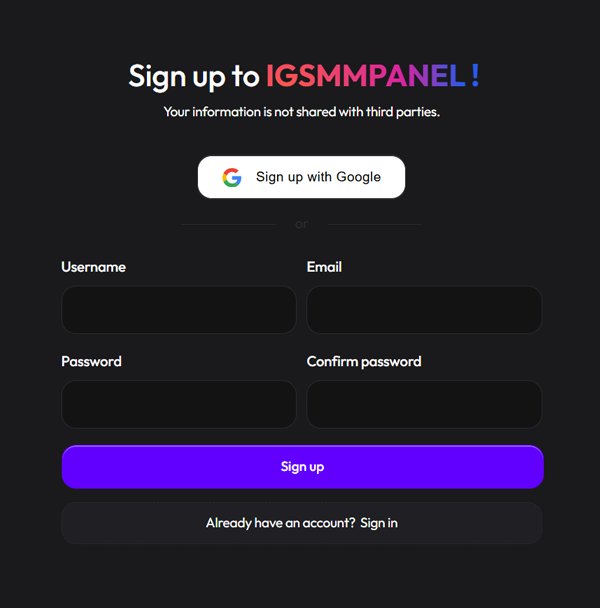
Visit the Sign Up page and register using accurate contact information. A valid email address helps you receive account notices and recover access when necessary.

Use a Valid Email Receive important account and recovery messages.
Accurate Details Correct information makes account support easier.
Create Your Account
Create an IGSMMPanel account
Account Access

Sign In to Your Dashboard

02

Enter the username and password selected during registration. Your dashboard gives you access to services, payments, orders and support tickets from one place.

Secure Sign In Keep your password private and protect account access.
One Dashboard Manage your balance, orders and support requests.
Sign in to the IGSMMPanel dashboard
Fund Your Balance

Add Funds Before Ordering

03

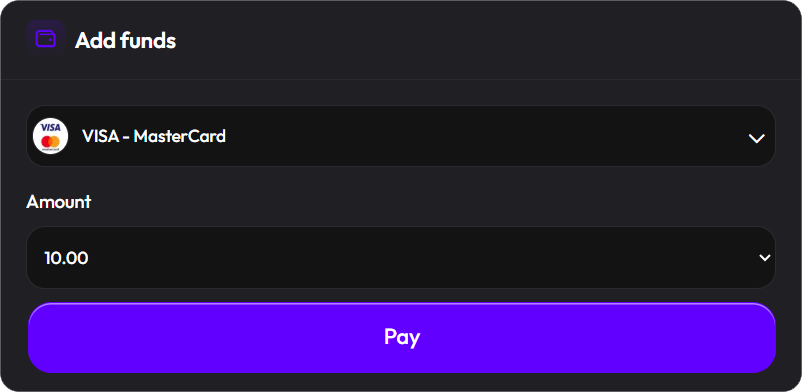
Add credit to your account before placing an order. Select one of the payment methods currently available and follow the instructions provided by the gateway.

Payment Options Choose a gateway available inside your account.
Confirm Your Balance Wait until the payment appears before submitting an order.
IGSMMPanel payment methods Add funds to IGSMMPanel
Place Your Order

Choose a Service and Submit the Link

04

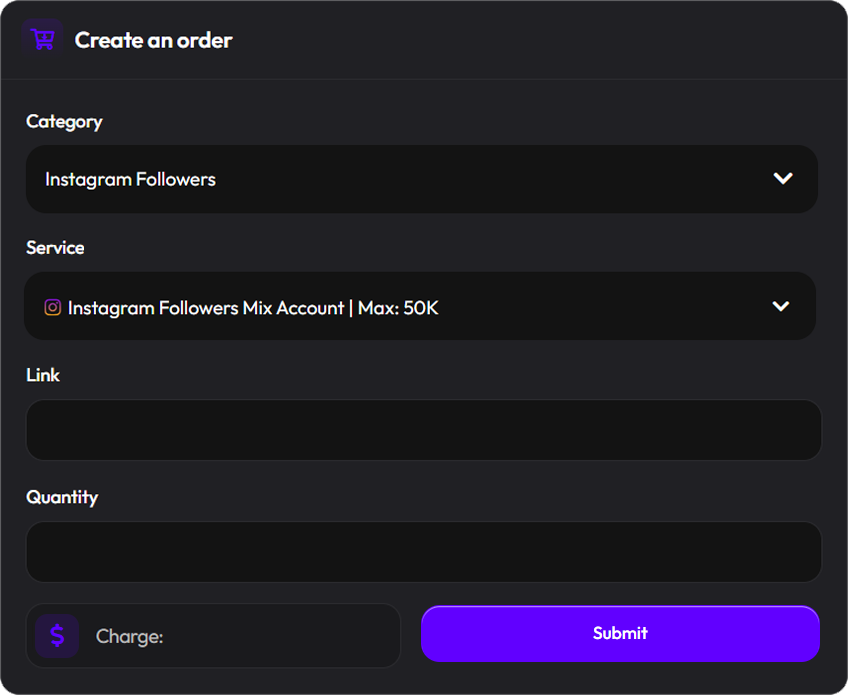
Select a category and service, paste the correct public link and enter your desired quantity. Review the calculated charge before submitting the order.

Use the Correct Link Each service may require a profile, post or Reel link.
Track Your Order Review pending, processing and completed orders.
Read the Order Process
Place an IGSMMPanel order
Help When Needed

Contact Support Through Tickets

05

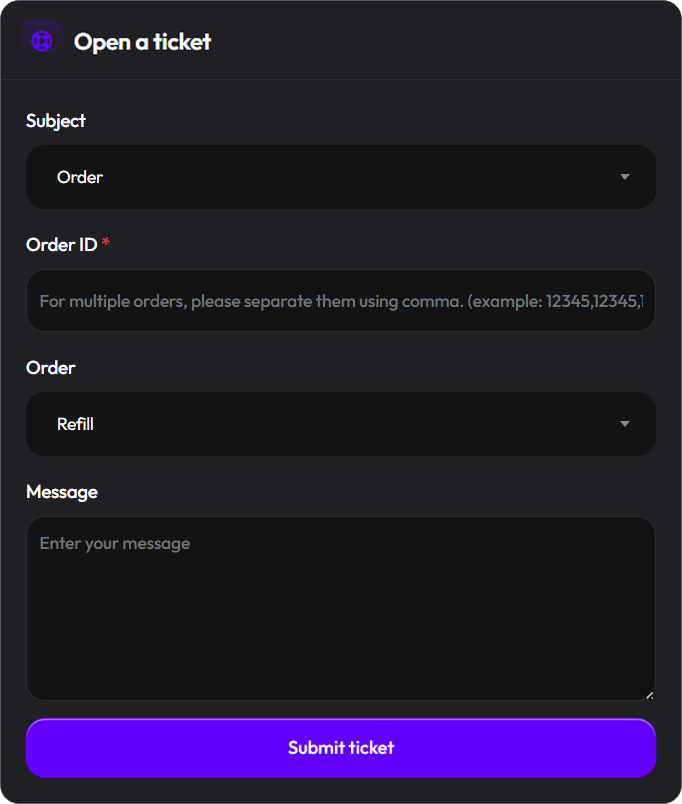
Create a support ticket when you need help with an order, payment or account issue. Include the relevant order ID and explain the issue clearly for faster review.

Include the Order ID The correct reference helps support locate the order.
Track Every Reply Return to your ticket to read updates and respond.
View Support Standards
Create an IGSMMPanel support ticket
Ready to Place Your First Order? Create an account or review the complete list of Instagram services before adding funds.
Services
Sign up
Sign in